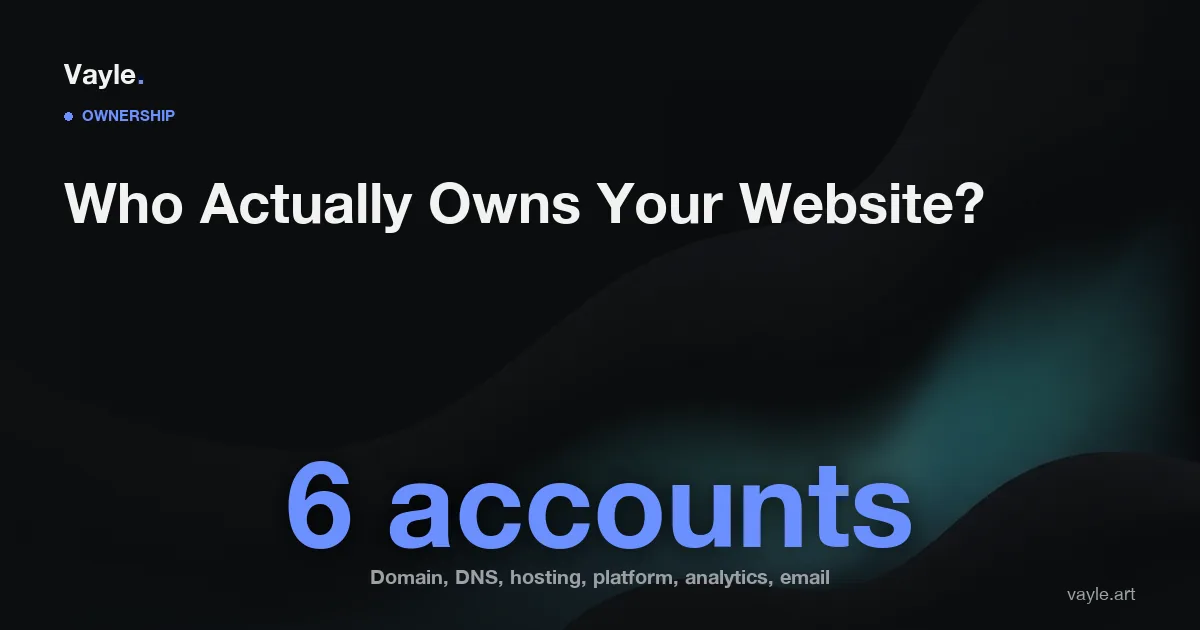
Your website is not one thing you own. It is six or seven separate accounts, and in a lot of small businesses at least one of them is registered to a person who stopped answering email years ago.
Nothing about this is visible while the site is up. It surfaces on the worst possible day: the rebuild, the outage, the falling-out with whoever built it.
Who is listed as the registrant on your domain?
The domain is the one that matters most. Lose the hosting and you rebuild the site. Lose the domain and you lose your address, your email, and the search rankings attached to both.
Look it up. Type your domain into a WHOIS lookup, or open your registrar account and find the contact record. You are looking for one thing: is the registrant your business, or is it your web developer, your cousin, or an agency that folded?
Two outcomes are common and neither is a scandal. Often the developer registered it in year one because it was faster, and never moved it. Occasionally a hosting reseller registered it inside their own bulk account, so it does not appear under your name anywhere. Either way you want it in a registrar account that you control, with your business as the registrant and a billing card that is yours.
One warning before you touch anything: registrars apply transfer locks after certain changes, including a change of registrant contact. Ask your registrar what its lock period is before you start, so you do not accidentally freeze the domain in the middle of a move.
If your domain ends in .ca, there is a second layer. CIRA, the registry for .ca, only allows registrants that meet its Canadian Presence Requirements, so the name on the record has to be a qualifying Canadian person or entity. If a foreign contractor is sitting in that field, that is worth fixing on its own terms.
Who controls your DNS?
DNS is the layer that decides where your domain points. It can live at your registrar, at your host, or at a third service like Cloudflare, and it is frequently somewhere nobody remembers choosing.
This is the account that quietly holds your email hostage too. The records that route mail at your domain live here. So do the records that prove your outgoing mail is really yours, which is why a DNS account you cannot reach eventually turns into forms and quotes that vanish into spam filters. If your enquiries are already going missing, that failure mode is one of the ones covered in why a site gets traffic and no enquiries.
Find out which service answers for your domain, then confirm you can log into it. If you cannot, that is the second thing to fix after the registrar.
Whose account is the hosting in?
Hosting is the easiest of the six to replace and still worth knowing. You want the answer to a plain question: if you stopped paying your current developer today, would the site stay online, and for how long?
If the hosting sits inside a reseller account, your site is a line item in somebody else's plan. That is fine while the relationship is fine. It also means you cannot download a backup, change a setting, or move platforms without asking permission.
Ask for two things in writing: the hosting provider's name, and confirmation that a full backup of the site and its database can be handed to you on request. A developer who is doing normal work will send both without drama.
Are you the owner on your CMS or Shopify store?
Being able to log in is not the same as owning the account. Most platforms distinguish between an owner and an administrator, and the difference only shows up when you try to remove someone.
On Shopify, the store owner is a single specific role, and it is the role that controls billing and can transfer ownership. On WordPress, check that there is an administrator account in your name with a password you set, not a shared login that has been passed around three contractors. Whichever platform you are on, and the platform trade-offs are worth understanding separately, the test is the same: can you add and remove people, including the person who built it?
Who owns the analytics, ads and Google Business Profile accounts?
These get created quickly during a launch and then never revisited.
Your analytics property should sit in an account your business owns, with the agency added as a user. When it is the other way around, your entire measurement history leaves with them, and the next team starts from zero with nothing to compare against. That history is exactly what makes a redesign without losing rankings checkable rather than hopeful.
Google Business Profile deserves its own look, because it is the listing that shows your hours and phone number to people searching for you nearby. It should be owned by you and managed by anyone else. If a former marketer holds primary ownership, you can request access through Google, but it is slow and you will want it sorted before you need to change your hours. The same applies to any ad accounts still running on someone else's payment method. Local visibility work is built on this listing, so it is worth holding directly.
Who receives mail at your own domain?
If your business email runs on your domain, it depends on the same DNS you may not control. Check who administers the mailbox provider, whether that is Google Workspace, Microsoft 365 or something your host bundled in.
The scenario to avoid is simple. You move hosting, the mail records get replaced along with the web records, and email stops for a day before anyone connects the two events. Knowing who holds the mailbox admin account prevents that entirely.
What a clean handover looks like
When we take over a site, ownership is settled before anything is designed. It is a short list and you can ask any developer for it:
- Domain in your registrar account, your business as registrant.
- DNS access in your name, wherever the zone lives.
- Hosting either in your account or portable on request, with a backup you can actually receive.
- Owner-level access to the CMS or store, held by you.
- Analytics, search console, ads and business profile owned by you, agency added as a user.
- Mailbox admin identified and accessible.
Anyone who resists that list is telling you something useful about how the relationship ends.
What to check this week
- Run a WHOIS lookup on your domain and read the registrant name.
- Log into your registrar. If you cannot, start the recovery now rather than in a crisis.
- Identify which service answers DNS for your domain, and log into it.
- Open your CMS or store user list and confirm you hold the owner role.
- Open analytics and your Google Business Profile and check who is listed as owner.
- Write down who administers your email, and where.
Six lookups, most of them under a minute. The point is not paperwork. It is that every one of these becomes urgent and expensive at exactly the moment you have no leverage.
If the answers turn out badly, the fix is usually untangling rather than rebuilding, and we do that as the first phase of a project rather than a separate invoice. Ongoing care is a monthly plan, and its current price for your country is on the pricing page. What we actually build is on the web design page.
If you want a second pair of eyes on your site, send it to me and I will tell you what I would fix first and what it would cost, the same working day.