Sighted visitors read a link the way they read everything else: in context, scanning the sentence around it. A screen-reader user often does not. One of the fastest ways to navigate a page with assistive technology is to pull up a list of every link on it and jump between them - and in that list, each link is stripped of its surrounding sentence and read out on its own. So a page sprinkled with "click here," "read more," and "learn more" becomes a list that says click here, click here, read more, learn more, click here, with no way to tell which one leads to the return policy and which one leads to checkout. The related and even blunter failure is a link with no text at all - an icon or an image used as a link with nothing for a screen reader to announce, which comes out as a raw URL or dead silence. Both are common, both are easy to fix, and both sit inside Ontario's legal floor.
Key facts
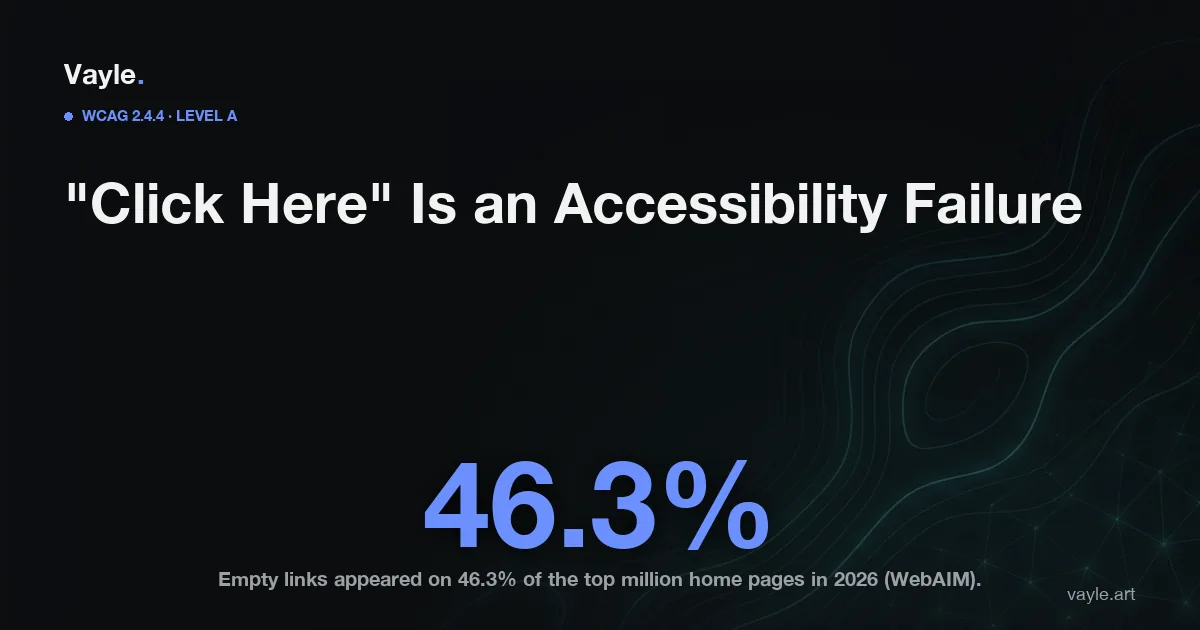
- Empty links - a link with no readable text, usually an icon or image with no accessible name - appeared on 46.3% of the top 1,000,000 home pages in the WebAIM Million 2026 scan, the fourth most common failure they detected (WebAIM).
- WCAG (Web Content Accessibility Guidelines) Success Criterion 2.4.4 Link Purpose (In Context) is Level A and has been part of the standard since WCAG 2.0 - the most basic conformance tier, and inside Ontario's enforceable floor (W3C).
- 2.4.9 Link Purpose (Link Only), the stricter version requiring the purpose be clear from the link text alone, is Level AAA - a best-practice target above the legal line (W3C).
- Ontario's IASR (Integrated Accessibility Standards Regulation, O. Reg. 191/11) s.14 requires organizations with 50 or more employees to meet WCAG 2.0 Level AA on public websites - and Level AA includes every Level A criterion, 2.4.4 among them (ontario.ca).
- The next ACR (Accessibility Compliance Report) for organizations with 20 or more employees is due December 31, 2026 (ontario.ca).
What does WCAG actually require of a link?
The plain-language version of 2.4.4 Link Purpose (In Context) is this: a person must be able to tell where a link goes from its text, or from its text plus the stuff immediately around it - the sentence, the list item, the table cell. It is a Level A criterion, the lowest and most fundamental tier, which is exactly why it matters legally in Ontario: everything at Level A is folded into the WCAG 2.0 Level AA standard the IASR points to, so a vague or empty link is a failure against the version of WCAG the province actually enforces, not a nicety above it.
"In context" gives you some room: a "Read more" link is technically allowed if the heading right before it, programmatically associated, makes the destination clear. But that association has to be real in the markup, not just visual on the screen, and it breaks the moment a screen-reader user navigates by link list - where the context is gone and only the link text survives. The stricter 2.4.9 Link Purpose (Link Only) removes the loophole entirely by requiring the text to stand on its own, but it is Level AAA and above the legal floor. The safe habit is to write every link as if it will be read alone, because for a large share of your visitors it will be.
Why does "click here" break for a screen-reader user?
Because of how the technology is used to move fast. Screen readers let a user call up a menu of all the links on a page and tab through them out of order, the same way a sighted user's eye jumps to the blue underlined words. In that mode the surrounding sentence is not read - only the link text is. Twelve links that all say "click here" collapse into an unusable menu of identical entries. The empty-link case is worse still: a link built from an icon (a cart, a magnifying glass) or a wrapped image with no alt text and no accessible name has nothing to announce, so the screen reader falls back to reading the raw URL or skips it silently. That is the failure WebAIM found on 46.3% of the top million home pages - the same accessible-name problem behind empty buttons and unlabelled controls, just wearing a link instead of a button.
None of this is something a bolt-on widget reliably repairs, because the accessible name of a link is decided in your own HTML - the text between the tags, the aria-label, the alt on the image inside it - not by a script layered on top (here's why an overlay isn't remediation). And it is one of the classic automatable defects: a scanner can flag a link that reads "click here" or has no name at all in seconds, which is precisely the kind of low-cost finding that now fills AI-drafted demand letters.
How do you check your links, and what's the risk if they're vague?
You can catch most of this in a few minutes, no tools required:
- Read your links out of context. Skim the page and read only the linked words aloud, ignoring the sentences around them. If "click here," "read more," "learn more," or "this page" don't tell you where you'd land, they won't tell a screen-reader user either.
- Hunt for text-free links. Look at every icon, logo, and image that is clickable. Each one needs an accessible name - visible text, an
aria-label, or alt text on the image inside the link - describing the destination, not the picture. - Rewrite to the destination. Replace "click here to read our return policy" with a link on the words "return policy." The fix is almost always shorter than what it replaces.
The stakes are the ones that attach to any access barrier. In Ontario the AODA (Accessibility for Ontarians with Disabilities Act) has no private right of action, so no one sues under it directly; the live route for an individual is the HRTO (Human Rights Tribunal of Ontario), which hears complaints under the Ontario Human Rights Code, and a customer who cannot tell which link leads to the thing they came for is being denied the equal access those complaints describe. If you sell into the United States, ambiguous and empty links are routine allegations in ADA (Americans with Disabilities Act) web litigation. The durable answer is the same one every gap needs: documented remediation, a dated record of what you found and fixed, which is what an honest ACR should reflect by December 31, 2026. And because a machine can flag "click here" but cannot judge whether a rewritten link actually makes sense to a person navigating by link list, this is one more case where a scan is not an audit.
If you want a second pair of eyes on your site, send it to me and I will tell you what I would fix first and what it would cost, the same working day.
Vayle is a remote-first accessibility-engineering studio serving Ontario. General information, not legal advice.