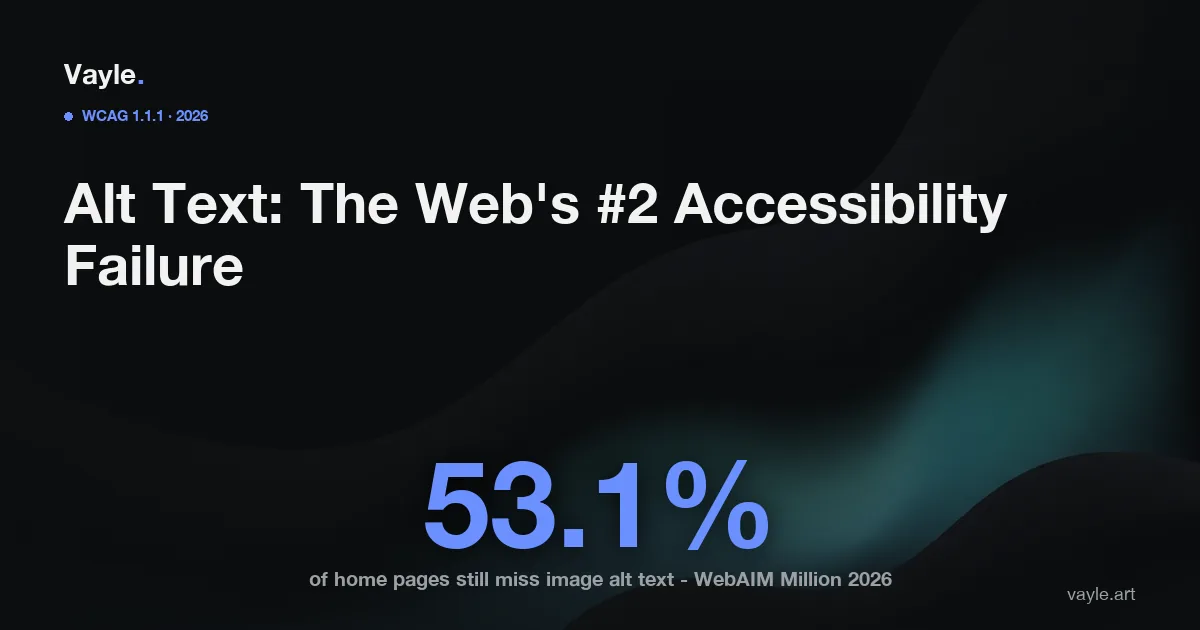
Every year, WebAIM (Web Accessibility In Mind) runs the largest automated accessibility scan on the web - "The WebAIM Million," covering the home pages of the top one million sites. The 2026 edition found that more than half of those pages still fail the single most basic image requirement: giving each meaningful image a text alternative. It is the second most common accessibility failure on the internet, behind only low-contrast text - and unlike most barriers, it is genuinely quick to fix. Here's what the requirement is, what Ontario's AODA (Accessibility for Ontarians with Disabilities Act) and WCAG (Web Content Accessibility Guidelines) expect for images, and how to get it right.
Key facts
- WebAIM's 2026 "WebAIM Million" analysis of 1,000,000 home pages found 53.1% had missing alternative text on images - the second most common accessibility failure, behind low-contrast text at 83.9% (WebAIM).
- Across those pages, 16.2% of all images (about 10.8 per page) were missing alt text - though that figure improved from 18.5% the year before (WebAIM).
- Home pages averaged 56.1 detectable errors each, up 10.1% from 2025; the same six failure types - missing alt text among them - have topped the list for seven years running (WebAIM).
- Alt text falls under WCAG Success Criterion 1.1.1 "Non-text Content," a Level A requirement - the most basic conformance level, below the Level AA that Ontario law references (W3C).
- Under Ontario's IASR (Integrated Accessibility Standards Regulation, O. Reg. 191/11) s.14, large organizations (50+ employees) must make public websites conform to WCAG 2.0 Level AA, which includes 1.1.1 (ontario.ca).
- The next ACR (Accessibility Compliance Report) deadline for organizations with 20 or more employees is December 31, 2026 (ontario.ca).
What is alt text, and why does one missing attribute matter?
Alt text - the alt attribute on an image - is the text alternative a screen reader announces in place of a picture, and the text a browser shows if the image fails to load. A person who is blind doesn't see your product photo, your "Add to cart" icon, or your infographic; their screen reader reads the alt text instead. When that attribute is missing, one of two things happens: the image is silently skipped, so the content simply isn't there, or the screen reader falls back to reading the file name - so a visitor hears "I-M-G underscore 4 0 2 3 dot jpg" where you meant "Red winter parka, $189."
That is why missing alt text counts as a failure even though the page looks fine to a sighted user. The information is present for some visitors and absent for others - which is exactly the gap WCAG 1.1.1 exists to close. It's also why this barrier is disproportionately damaging on an online store, where images are the product. Low-contrast text and missing form labels round out the top failures alongside it; together with colour contrast, these three account for most of what a basic scan catches.
What does Ontario's AODA actually require for images?
Ontario's IASR s.14 requires the public websites of large organizations (50+ employees) to conform to WCAG 2.0 Level AA. Success Criterion 1.1.1 is part of that standard - and it sits at Level A, the floor. In plain terms: providing text alternatives for images is not an advanced, nice-to-have item. It is the most fundamental thing the standard asks for, which is what makes a 53% failure rate notable.
Getting 1.1.1 right means matching the alt text to the image's job:
- Informative images (a product photo, a chart, a photo that conveys meaning) need a concise description of what it shows or means.
- Functional images (an image used as a link or button - a cart icon, a logo that links home) need alt text describing the action or destination, not the picture.
- Decorative images (a background flourish, a divider) should have an empty alt (
alt="") so a screen reader skips them - an empty alt is correct here, a missing one is not.
Whether your business owes the broader written obligations depends on headcount - the line in Ontario sits at 20 vs 50 employees - but the WCAG technical expectations apply to the site itself.
Why do auto-generated alt text and overlays fall short?
Because a text alternative has to convey the image's purpose in context, and a machine can't reliably infer that. Accessibility overlays and some AI tools advertise automatic alt text, but auto-generated descriptions are frequently vague ("image," "graphic"), literally wrong, or blind to why the image is on the page - an AI might caption a checkmark icon "green tick" when its job is to mean "in stock." The US FTC (Federal Trade Commission) acted against an overlay vendor over accessibility claims it found unsupported, and auto-alt-text is a textbook example of the gap between something is present and it actually works.
There's a measurement trap here too: an automated scan can detect a missing alt attribute, but it can't judge whether the alt text that exists is accurate. A page can pass the machine check with "photo" on every image and still fail a real user. That's the difference between a scanner and a human audit - and why bolting on a widget isn't the same as fixing the source.
How should an Ontario business get image alt text right?
It's one of the highest-return fixes you can make:
- Inventory your images - across the homepage, product/service pages, and any Shopify product galleries.
- Sort each one: informative, functional, or decorative.
- Write concise, purpose-first alt text - skip "image of" (the screen reader already says "image"), describe what matters, and give decorative images an empty
alt="". - Don't keyword-stuff. Alt text is for the user, not for search rankings; overlong or stuffed alt text hurts the people relying on it.
- Verify in two passes - a scan to flag missing attributes, then a manual check (screen reader or audit) to confirm the descriptions are actually right.
Fixing alt text won't make a site fully conformant on its own, but it clears one of the most common - and most fixable - barriers between your content and the people trying to use it. It's part of the same source-code work that holds up if a complaint is ever tested, alongside colour contrast and accessible forms. In Ontario the real enforcement path runs through the HRTO (Human Rights Tribunal of Ontario) under the Ontario Human Rights Code - and the ADA (Americans with Disabilities Act) if you sell to US customers - and what a person with a disability could actually do on your site is what gets tested.
If you want a second pair of eyes on your site, send it to me and I will tell you what I would fix first and what it would cost, the same working day.
Vayle is a remote-first accessibility-engineering studio serving Ontario. General information, not legal advice.