Most of this year's accessibility guides have walked through barriers you build yourself: a missing alt text, a broken focus ring, a form field with no label. But a large and rising share of the trouble now sits in code the business never wrote. You embedded a booking calendar from a scheduling vendor, dropped in a reservation engine, added a third-party checkout, pasted a chat bubble. It looks like part of your site because it is on your page. And when a customer using a screen reader hits an appointment picker they cannot operate, the barrier is on your storefront regardless of who authored the script. The uncomfortable rule Ontario businesses keep discovering: you are responsible for what a visitor experiences on your page, even the parts a vendor built.
Key facts
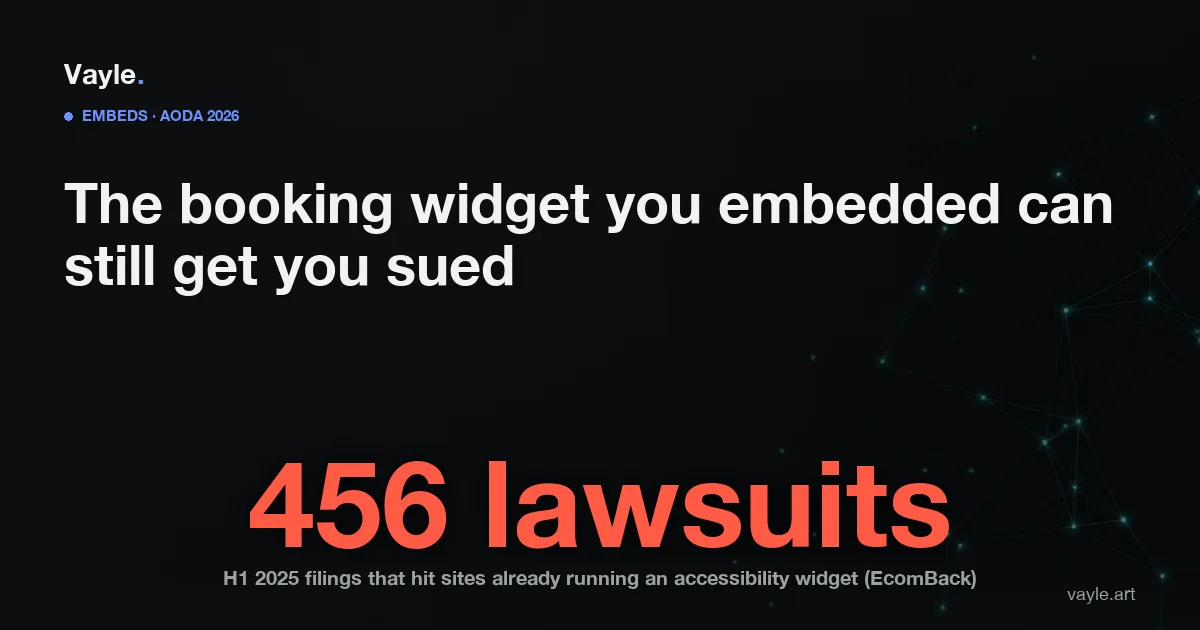
- In the first half of 2025, an analysis by EcomBack counted 456 lawsuits (about 22.64% of all web-accessibility filings) against websites that already had an accessibility widget installed - bolt-on tools did not stop the claims (EcomBack).
- Hotel ORS (Online Reservation System) cases are a standing category of ADA web litigation, alleging that a booking flow - including third-party reservation sites - fails to let disabled guests reserve or identify accessible rooms (National Law Review).
- "Third-party contractor dependencies," where accessibility was never specified in the vendor contract, is named among the leading web-accessibility litigation trends heading into 2026 (Accessible.org).
- Ontario's IASR (Integrated Accessibility Standards Regulation, O. Reg. 191/11) s.14 requires organizations with 50 or more employees to meet WCAG 2.0 Level AA on public websites (ontario.ca).
- The next ACR (Accessibility Compliance Report) for organizations with 20 or more employees is due December 31, 2026 (ontario.ca).
Are you liable for a widget you did not build?
The short answer, in practical terms, is yes. WCAG (Web Content Accessibility Guidelines) is written around what the user encounters, not around who wrote which file. If a customer lands on your domain and cannot complete the task your site offers - booking a table, reserving a room, scheduling a consult, paying - the barrier is on your page. Ontario's AODA (Accessibility for Ontarians with Disabilities Act) points to WCAG 2.0 Level AA for public websites of larger organizations through the IASR, and the enforceable question is whether your public site meets it. "The vendor's script did that" is not a status the standard recognizes, and it is not how a customer experiences the failure.
This is also why a bolt-on widget cannot rescue you here. As covered in overlay versus real remediation, an overlay layers a script on top of the page; it does not reach into a third-party booking engine loaded in an iframe and rewrite that vendor's markup. That is a large part of why sites that installed a widget still drew 456 lawsuits in half a year: the widget could not touch the embedded flow where the real barrier lived.
Which embeds actually get sued, and why?
The pattern is consistent, and it clusters on the moment a customer tries to transact:
- Booking and reservation calendars. A date picker that only responds to a mouse click, or a calendar grid a screen reader announces as a wall of numbers, blocks the core task. Reservation systems are frequently the primary focus of hospitality accessibility suits - even a physically accessible venue can draw a claim over the booking flow alone.
- Embedded checkout and payment. The checkout is where accessibility claims most reliably land, and hosting it through a third party does not move the responsibility off your site.
- Appointment and scheduling widgets. Salons, clinics, tour operators, and service businesses lean on embedded schedulers; if the flow cannot be completed with the keyboard alone, it fails.
- Chat bubbles, map embeds, and PDF menus or documents dropped into the page - each one is content on your site that a screen reader has to be able to reach and operate.
None of these are exotic; they are the standard furniture of an Ontario e-commerce or service site. The vendor's convenience is real, but so is the fact that the barrier ships to your customers under your domain.
How do you check your embeds, and what should the vendor contract say?
Two moves, one technical and one contractual:
- Walk the whole transaction with the keyboard. Unplug the mouse and try to book, schedule, or buy using Tab, arrow keys, and Enter alone. Do it through the embedded widget, not just your own pages. If you cannot reach the date field, select a time, or submit, neither can a keyboard or screen-reader user.
- Put accessibility in the contract. For any embedded booking, reservation, checkout, or scheduling tool, require the vendor to conform to WCAG 2.1 / 2.2 Level AA or to provide an accessible alternative path, and get it in writing. Unspecified vendor dependencies are exactly the gap flagged as a rising 2026 litigation trigger.
The durable protection is the same one every gap needs: documented remediation, a dated record of what you tested, what you found, and what you or the vendor fixed - the substance an honest ACR should reflect by December 31, 2026. In Ontario the AODA has no private right of action; an individual's live route is the HRTO (Human Rights Tribunal of Ontario) under the Ontario Human Rights Code, and a customer shut out of your booking flow is being denied the equal access those complaints describe. If you sell into the United States, an inaccessible reservation or checkout is routine ADA (Americans with Disabilities Act) web-litigation territory. And because an automated scanner can flag an unlabeled field but cannot judge whether a real person can finish a booking through a vendor's iframe, this remains one more case where a scan is not an audit.
If you want a second pair of eyes on your site, send it to me and I will tell you what I would fix first and what it would cost, the same working day.
Vayle is a remote-first accessibility-engineering studio serving Ontario. General information, not legal advice.